Get an instant quote.
Add your addresses, choose a vehicle, and see your price before you book. It’s free to check, with no account required.
- Upfront price
- Verified drivers
- Live tracking
How to get your quote
WEB BOOKING
Check your price, then continue to book.
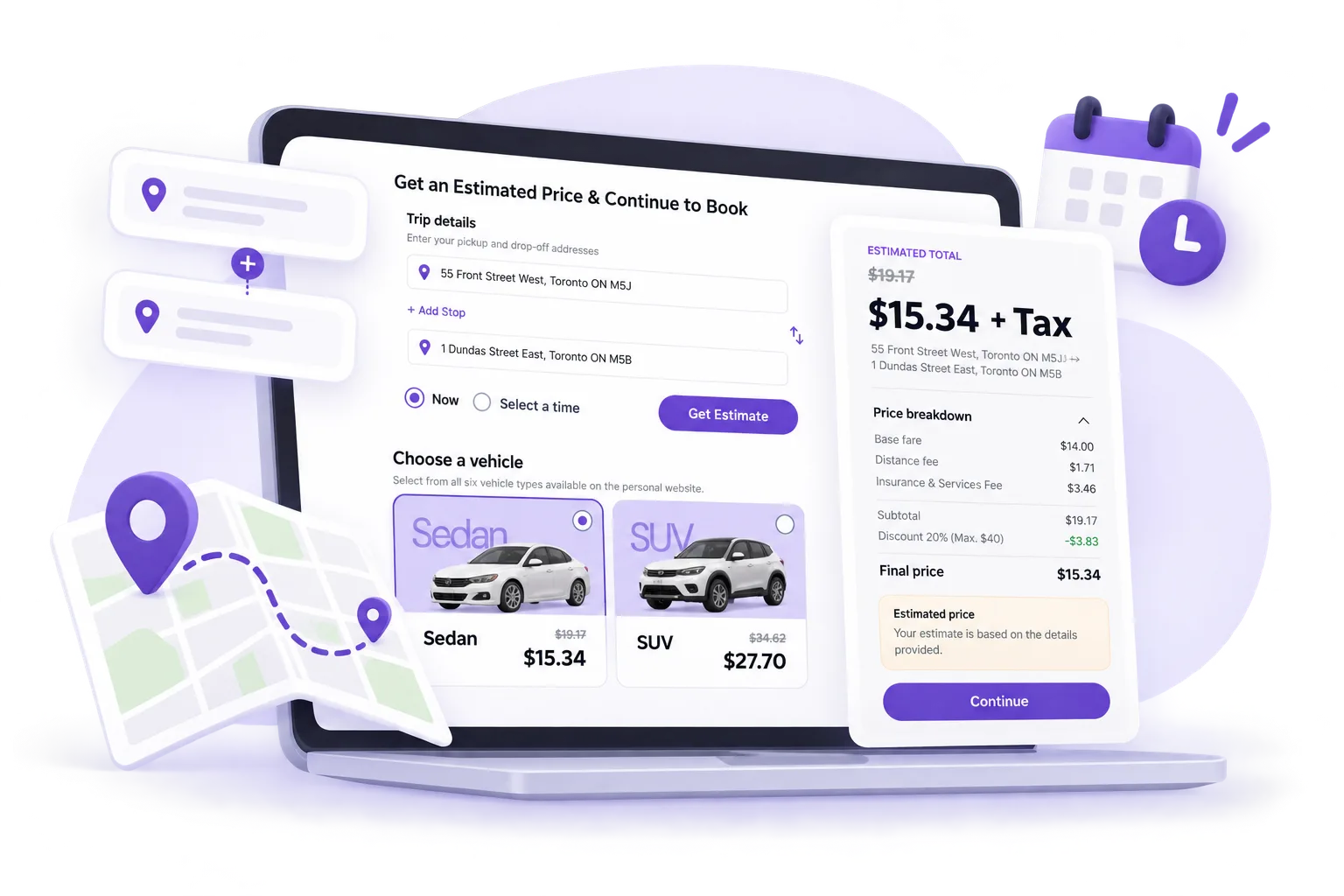
Everything you need to place the order is on the web.Add your addresses
Enter pickup and drop-off, then add extra stops if you need them.
Pick a time
Choose Move Now for a driver right away, or schedule a date and time.
Choose a vehicle
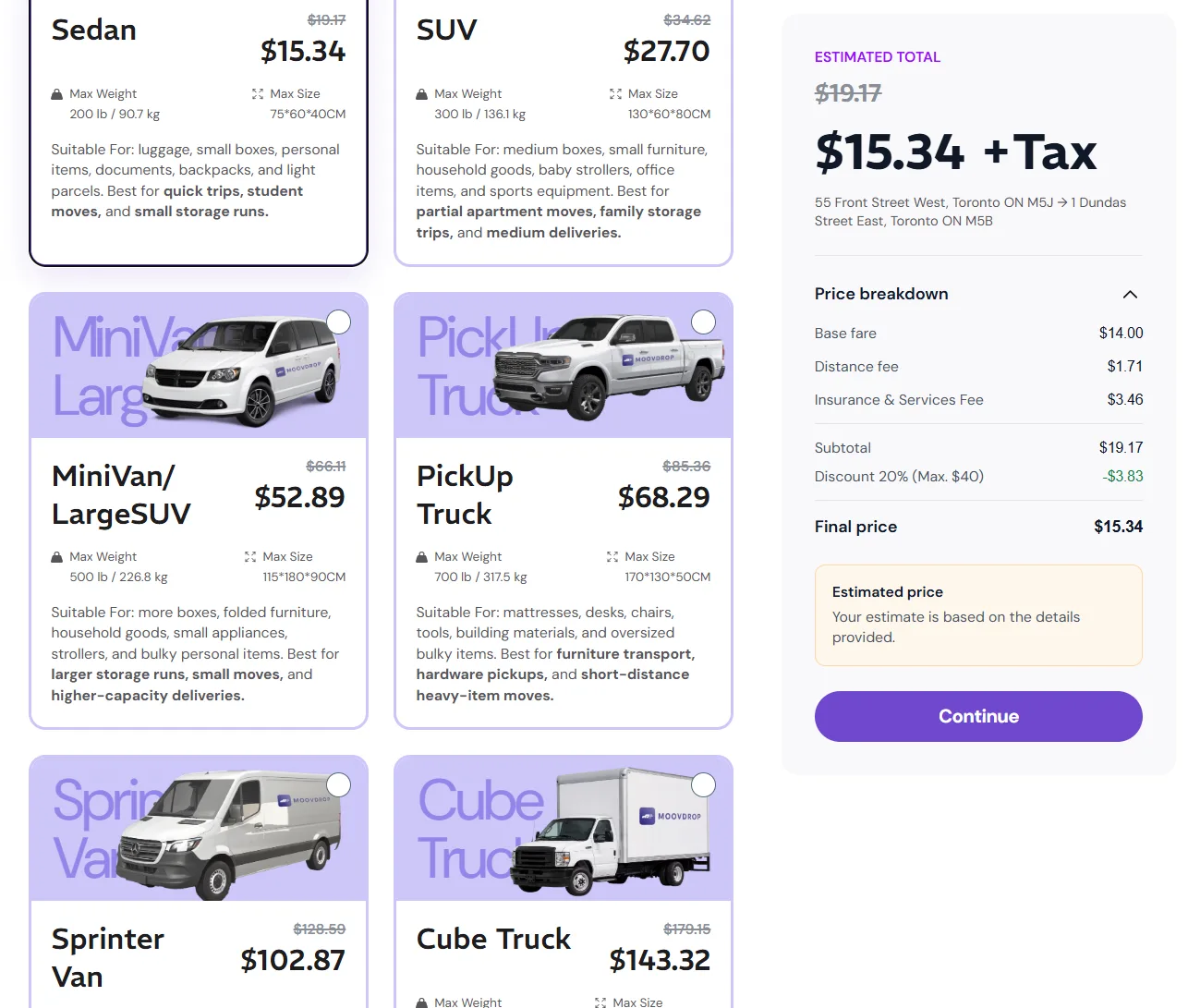
Compare seven vehicle options and pick the size that fits your items.
Review and continue
See the total, fees, discounts and tax, then select Continue to place your order online.
Vehicle types and what they can carry
Choose the right vehicle for the size, shape, and weight of your move.
Choose a vehicle
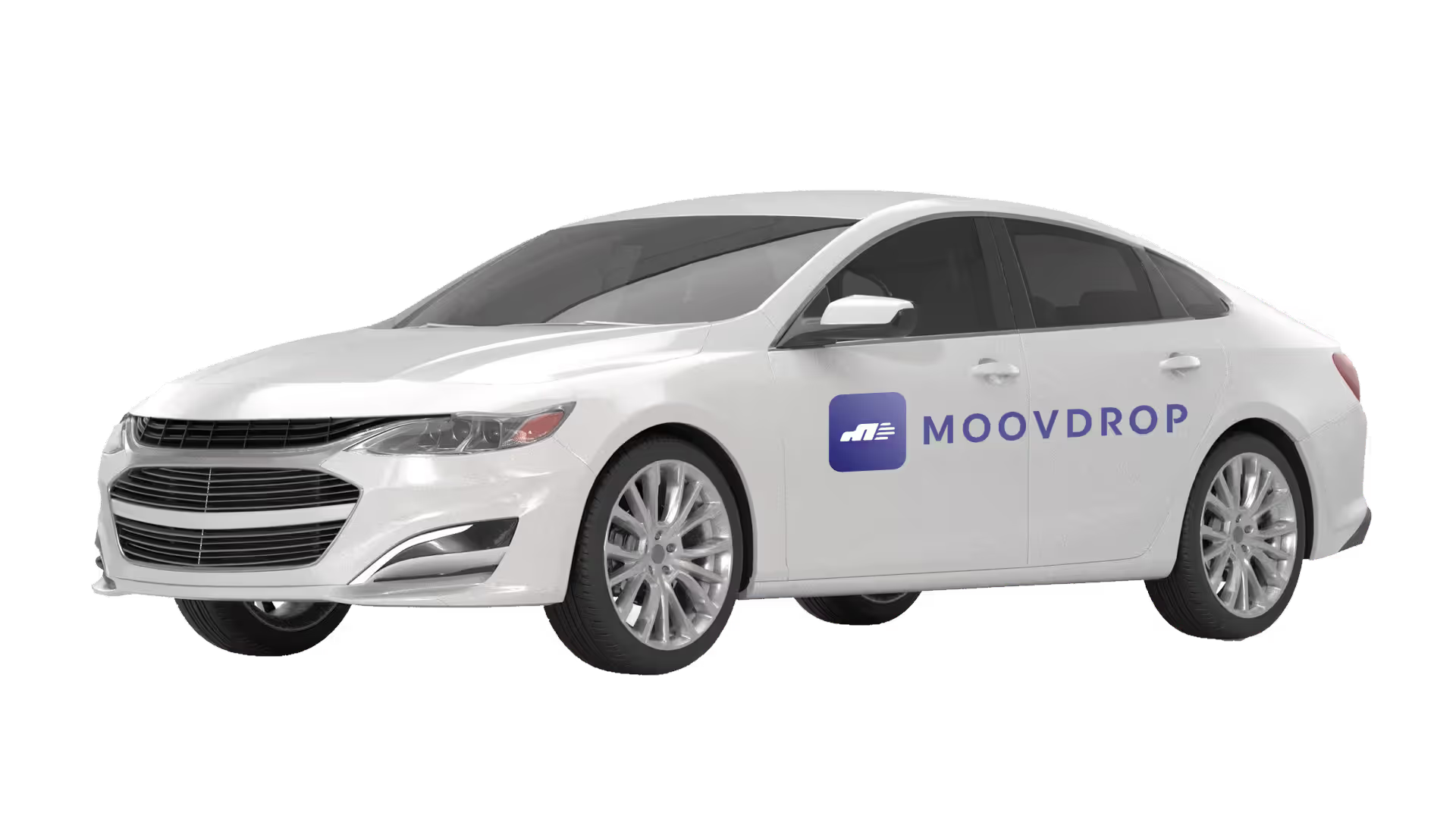
Sedan
--
Not suitable forLarge furniture, appliances, mattresses, or bulky items.
Book this vehicleWhat your quote includes.
- Base fare
- Set by the vehicle type you choose.
- Distance fee
- Based on the route from pickup to drop-off.
- Insurance & services fee
- Covers your items in transit and platform support.
- Extra stops
- Added only when your trip has more than one drop-off or pickup.
- Offers & promo codes
- Sign in to apply an available offer or promo code to your price.
- Tax
- Applicable sales tax is added to the final price.
Frequently Asked Questions
Is getting a quote free?
Yes. Getting a quote is free, and you don't need an account to see your price.
Will my price change after I book?
Your quote is based on the addresses, time, vehicle and services you choose. If the job changes after you book, for example you add a stop or an extra service, the price is updated to match.
Can I get a quote now and book later?
Yes. You can check your price at any time and book when you're ready. Prices are calculated when you request them, so check your quote again before you book.
What's the difference between Move Now and a scheduled booking?
Move Now matches you with a nearby verified driver right away. A scheduled booking lets you pick a date and time in advance.
When am I charged?
Your payment is pre-authorized when you book and charged after your move is complete.
Can I get a quote in the app?
Yes. The MoovDrop app shows the same upfront price, and lets you book, track your driver and manage your order.
Still have a question? Call 1-888-699-2113 or email support.
THE MOVE, IN YOUR HANDS
Prefer the app?
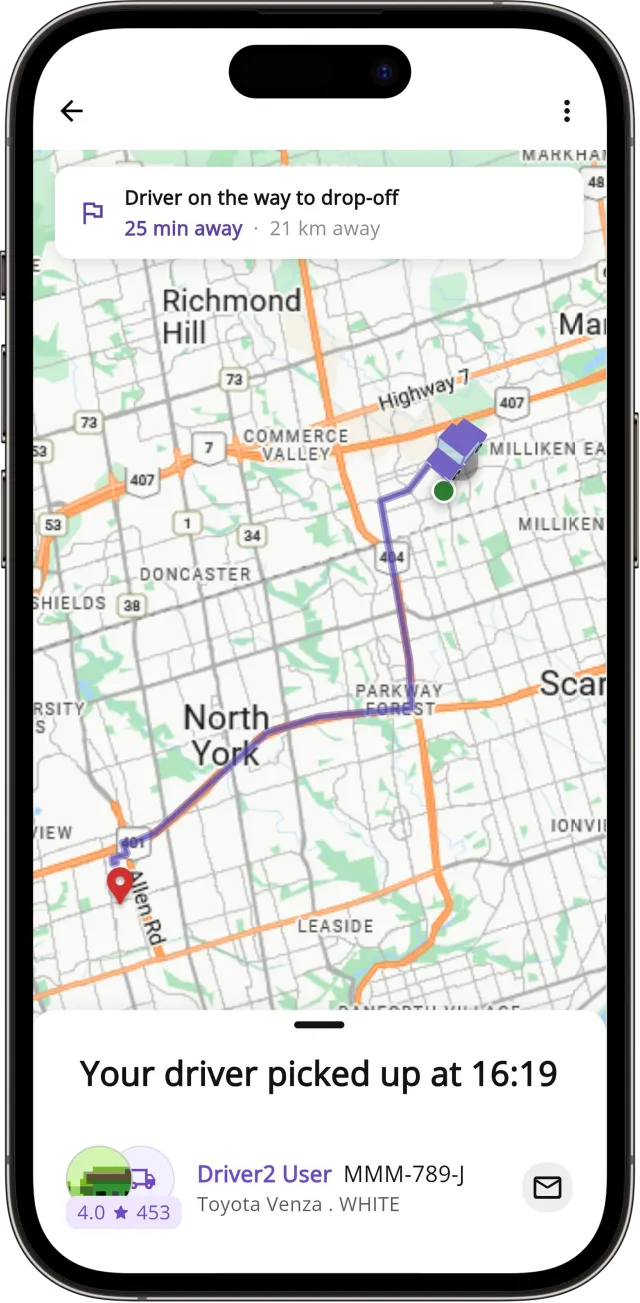
Get the same upfront price in the MoovDrop app, then book and track your driver.
-mobile.webp)

Prefer the app?
Get the same upfront price in the MoovDrop app, then book and track your driver.
Rated 4.8 on the App Store