Referral
Refer a friend. You both earn credit.
Share MoovDrop with a friend. When they complete their first delivery, you’ll both get MoovDrop credit toward your next move.

Your referral code lives in the MoovDrop app.
How it works
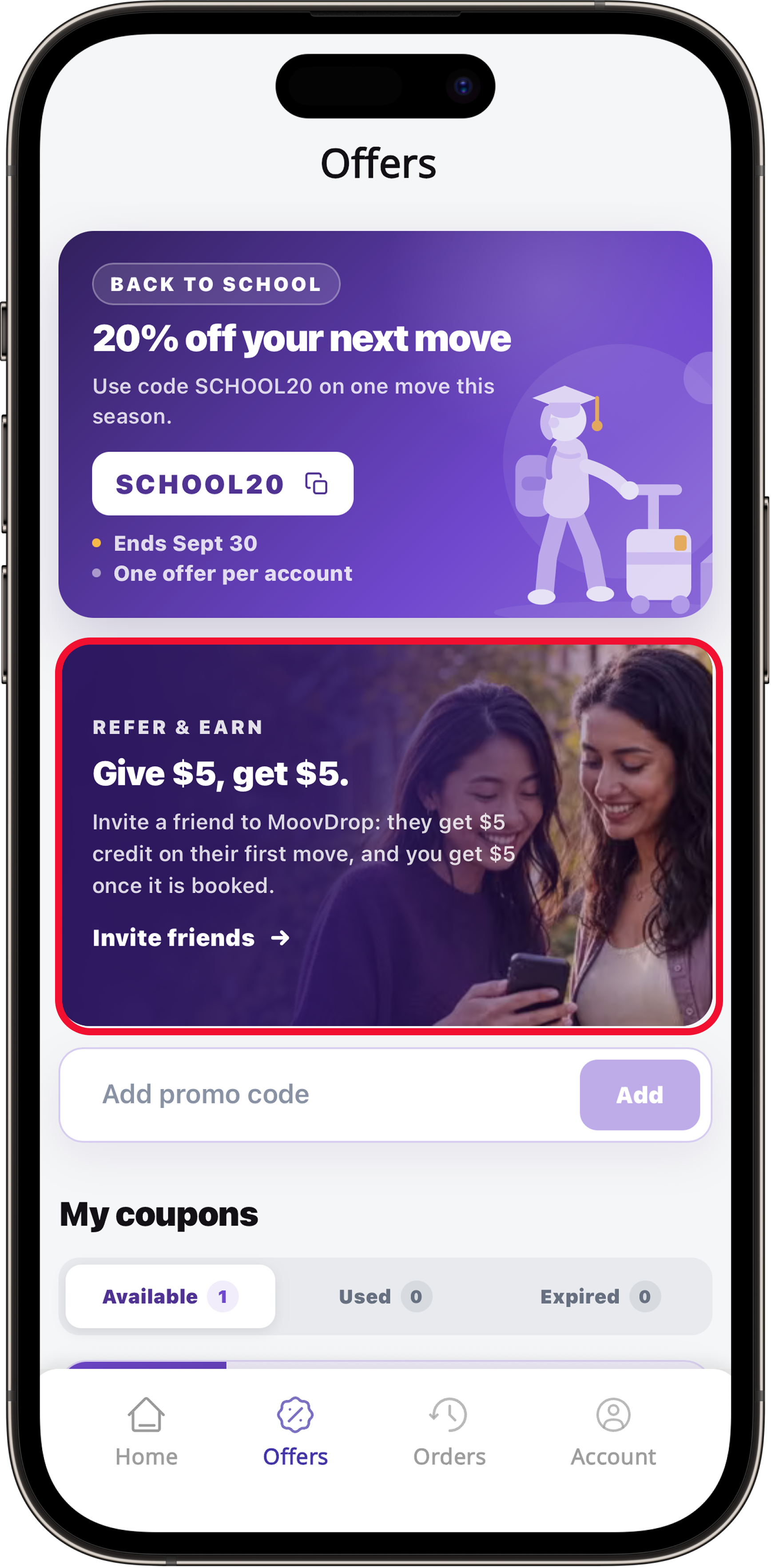
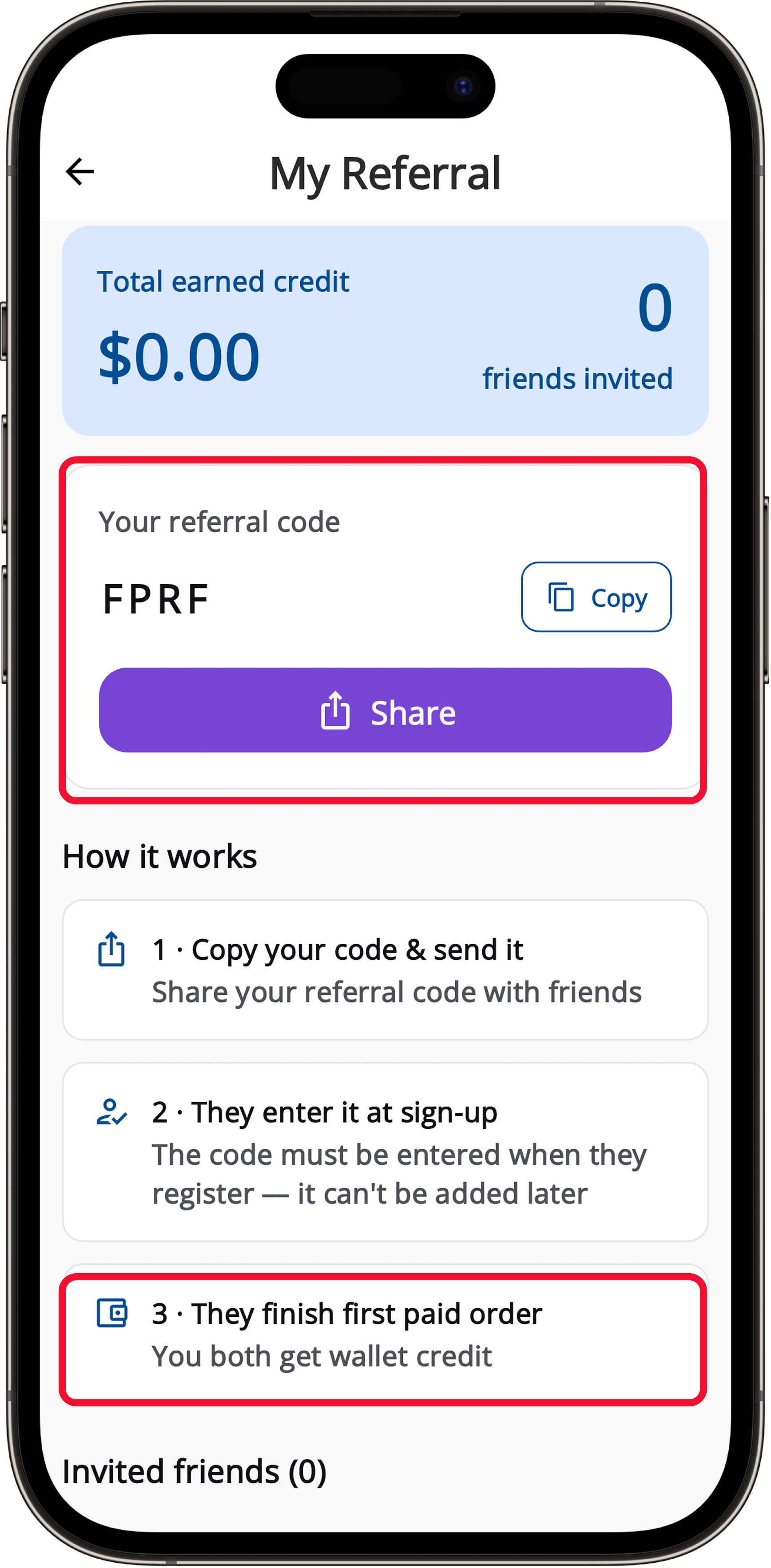
Get your code
In the MoovDrop app, go to Account → My Referral to find your code or link.
Share with friends
Send it by text, email, or social — however you keep in touch.
You both get rewarded
When your friend completes their first paid order, you each earn MoovDrop credit.
What you each get
For your friend
MoovDrop credit after they complete their first order — ready for their next move.
For you
MoovDrop credit added to your wallet once their first order is complete.
*Credit is applied after your friend’s first completed order. New users only. Rewards and limits are subject to the referral program terms and may change.
Referral FAQ
Where do I find my referral code?
In the MoovDrop app, go to Account → My Referral. You can copy your code or share your link right from there.
When do we get the credit?
Your credit is applied after your friend completes their first paid order. A short holding period may apply before it lands in your wallet.
Who can redeem a referral?
New MoovDrop customers, who enter your referral code when they sign up in the app.
How many friends can I refer?
Refer as many friends as you like. Some limits may apply under the referral program terms.
Ready to get started?
Download our APP today to get your deliveries going places.
Rated 5.0 on the App Store


Move With Us
From booking to delivery, we're here to support you every step of the way.
Follow us on social media to get the latest updates and promotions.